Design with your AIBeta
Make a photo book by chatting.
Add Memocult to Claude or ChatGPT once. Ask for a photo book or a magazine in your own words — your AI picks a design, fills it with your photos and puts it in your cart. You check it and pay here.
Works in Claude and ChatGPT · Free to connect · You always pay on memocult.com
- 01
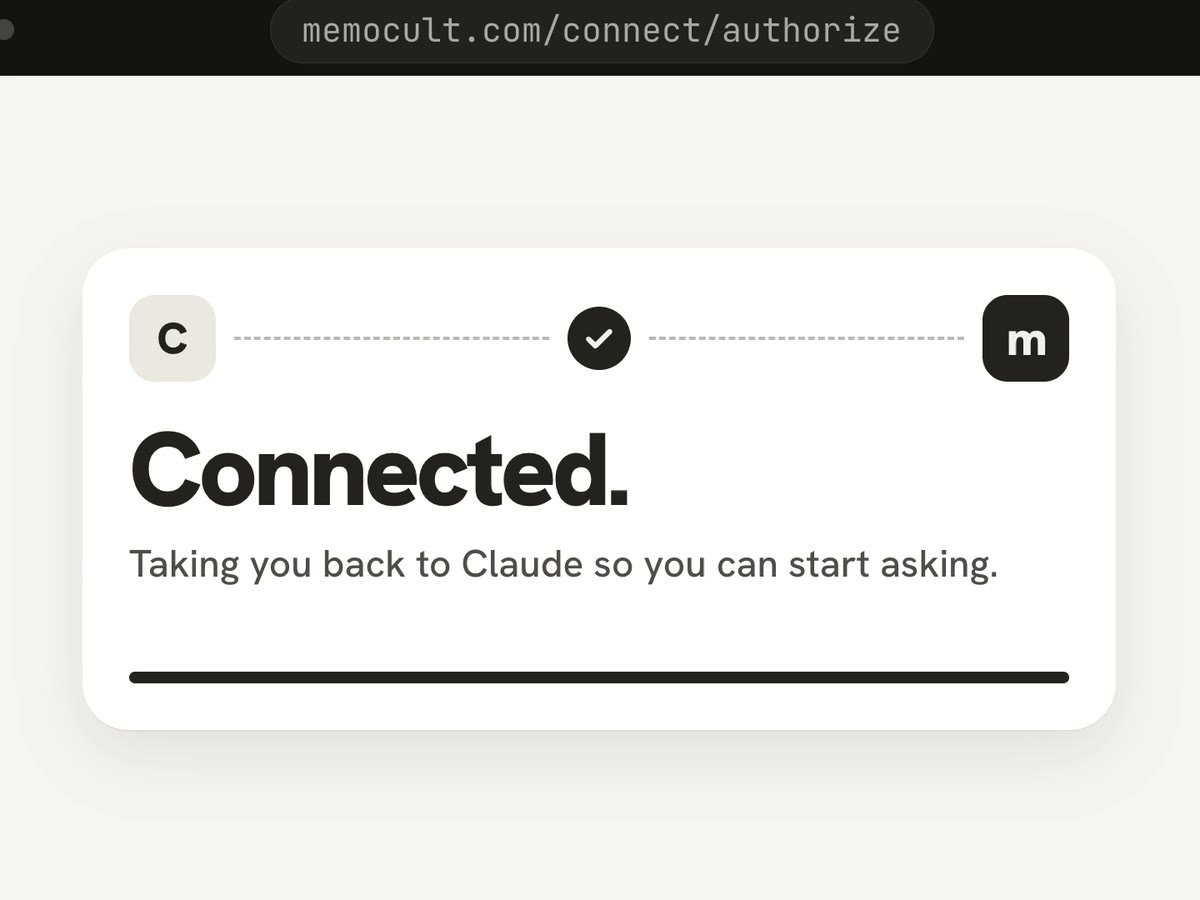
Connect once
Paste one address into Claude or ChatGPT and sign in to Memocult. Takes about a minute.
- 02
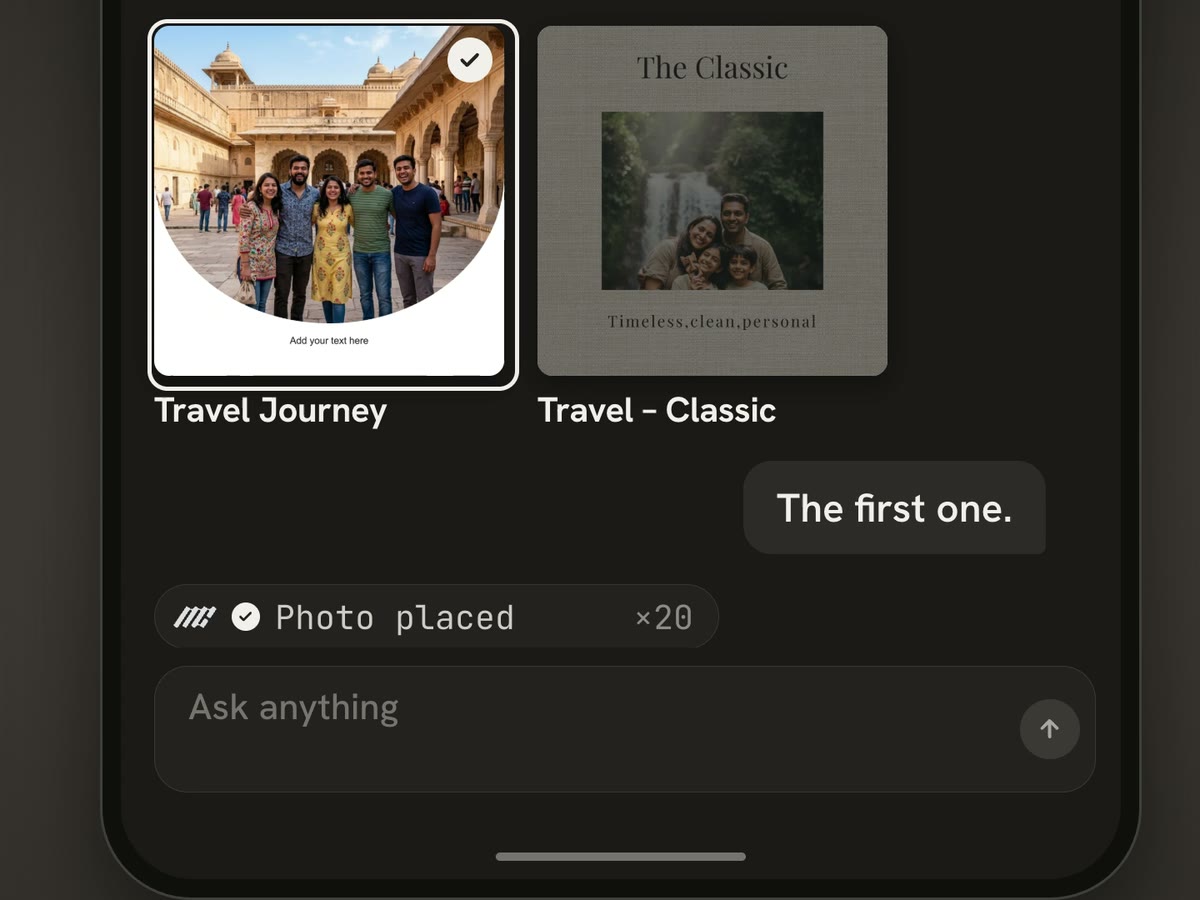
Ask in your own words
“A calm photo book from my Spiti trip.” Your AI picks a design, places your photos and writes the words.
- 03
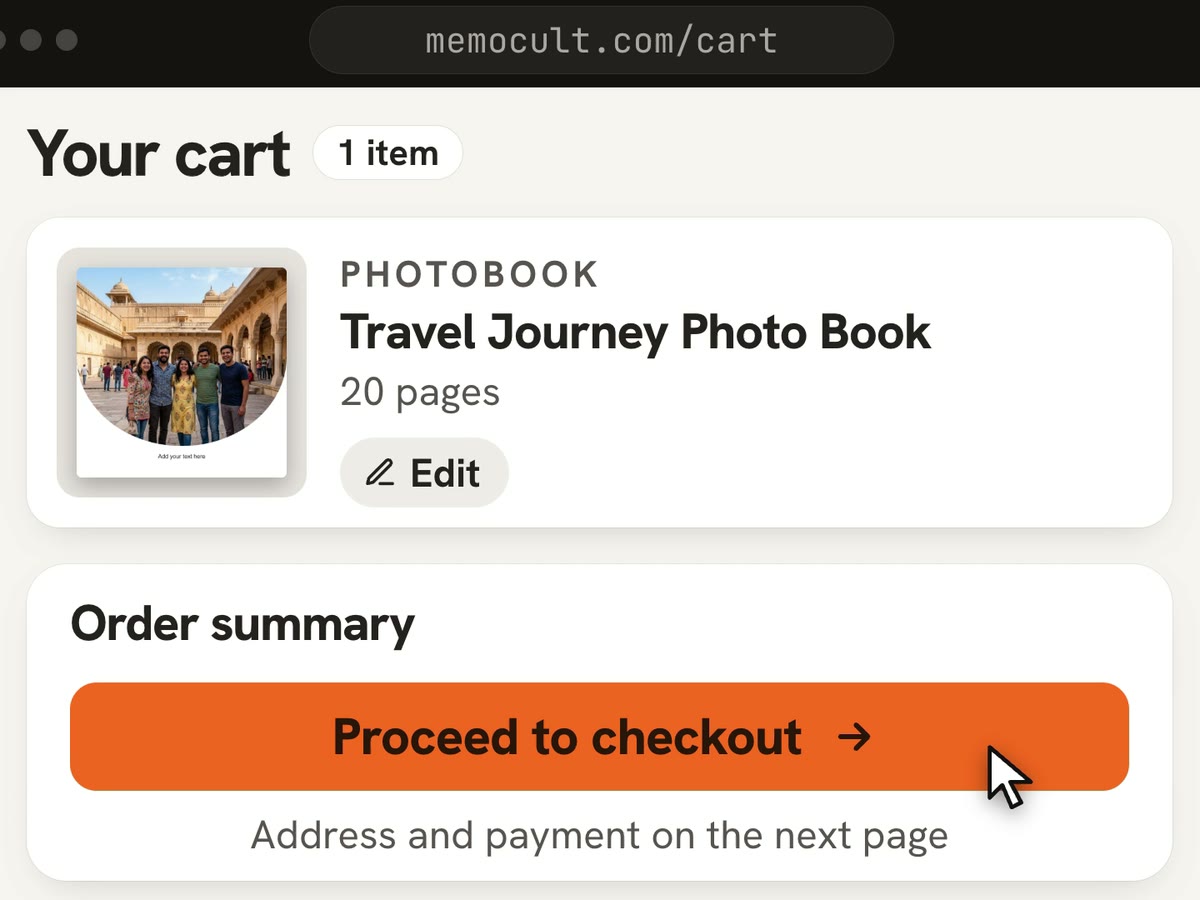
Check it, then pay here
It lands in your Memocult cart after our print checks. Look through every page, change anything, then pay.


Add Memocult to your AI
One address, two apps.- 1Open Settings, then Connectors (on claude.ai or in the Claude app).
- 2Choose Add custom connector. Name it Memocult and paste the address.
- 3Press Connect, sign in to Memocult and allow access.
- 4Start a chat and ask for what you want to make.
Menu names can differ a little between app versions. Look for Connectors.
Try asking
Tap one to copy it, then paste it into your AI.What it can make
How far your AI goes depends on the product.
Photo books and magazines
Makes the whole draft — design, photos on every page, words — and adds it to your cart.

Frames, retro prints and postcards
Finds the right design for you. You finish it on the site.

Wall art
Finds prints, shows them on a wall like yours and adds the one you pick to your cart.
You stay in charge
The same list your AI shows you when you connect.It can
- See your photo library (small previews)
- Browse designs and our wall art, with prices
- Look at your drafts and run our print checks
- Fill designs with your photos
- Show page previews of your drafts
- Add a finished design or a wall-art print to your cart
It can’t
- Pay or place orders
- See your full-size originals
- Change prices or skip print checks
Disconnect any time in Account › Connected apps.
Questions
4 questionsDoes it cost anything to connect?
No. You pay only for what you order, at the same prices as on the site.
Can my AI see all my photos?
It sees small previews of the photos in your Memocult library, never the full-size originals. New photos go in through a private upload link it gives you.
Can it order or pay for me?
No. It can only add things to your cart. You check the design and pay on memocult.com.
How do I disconnect it?
Open Account, then Connected apps, and press Disconnect. It stops working straight away.
Rather do it yourself?
Every design your AI can use is on the site too. Pick one and make it in the editor, or send us your photos and we design it for you.